
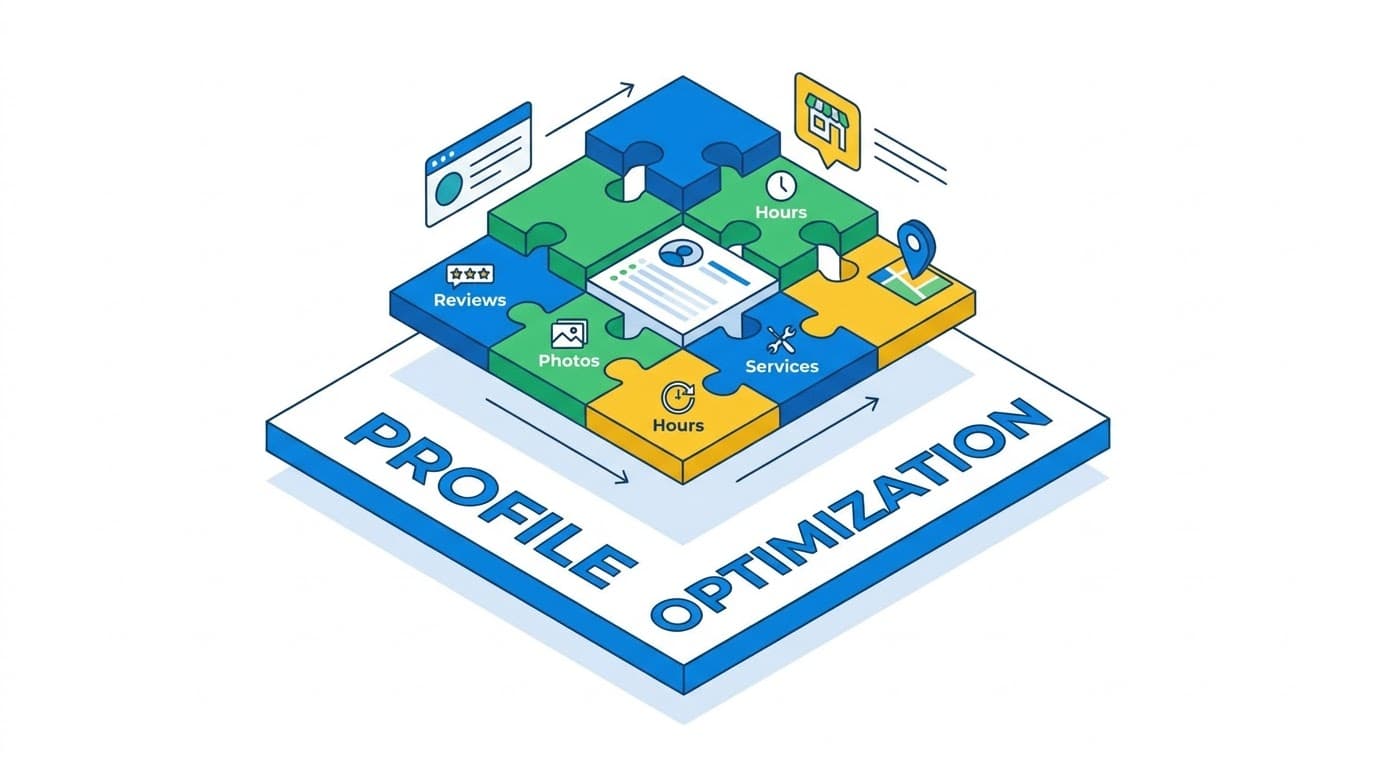
What Is Google Business Profile? Complete Beginner's Guide (2026)
Google Business Profile (GBP) is a free listing provided by Google that controls how your business appears when people search for you on Google Search and Google Maps. It was launched in 2014 as Google My Business and renamed to Google Business Profile in late 2021 — you will still hear many owners say "GMB." If you serve customers at a location they visit or in a specific service area, this one profile decides whether you show up when someone types "plumber near me" or "bakery open now." See Google's official overview and our 12-point optimization checklist for the full setup once you understand the basics.
Why this matters: four in five consumers use Search to find a local business, and Google populates those results from its Maps database of Business Profiles. Without a claimed profile you still exist in Google's index, but Google may auto-generate a thin, often inaccurate listing from scraped data — hours wrong, category missing, photos from customers. Claiming the profile puts you in control.
What does a Google Business Profile look like? Where it shows up
Your profile does not live on one page. Google reuses the same data in four different surfaces. Understanding each surface helps you see why completeness matters:
- Local Pack — the 3 businesses with map at the very top of search for "dentist near me." This is prime real estate and pulls name, rating, hours, and photo directly from your GBP.
- Google Maps — the left-side list when someone searches inside Maps or taps Directions. Same data, but ranked by proximity to the searcher.
- Knowledge Panel — the box on the right side of desktop search when someone searches your exact business name. Shows hours, phone, website, reviews, photos, Posts and Q&A.
- Local Finder — after clicking "More places" under the Local Pack. A longer list with filters, still powered by Profiles.
| Surface | When it shows | What the user sees |
|---|---|---|
| Local Pack | Discovery search: "coffee near me" | Map + top 3 profiles, ratings, open/closed |
| Google Maps | Map search or directions intent | List + pins, distance, hours |
| Knowledge Panel | Branded search: "Joe's Plumbing" | Full profile: photos, reviews, Posts, Q&A |
| Local Finder | "More places" click | Expanded ranked list with filters |
What can you do with your Google Business Profile? 8 key features
Once you claim and verify your profile, you control everything a searcher uses to decide to contact you. According to Google's help on representation, keep information accurate and keyword-natural, not stuffed.
- Business information — name (must match signage), address, phone, website, hours including special/holiday hours.
- Categories — one primary (most specific money category, e.g., "Emergency Plumber" not "Contractor") + 2-4 secondary categories for relevance.
- Description, products and services — 750-character description and enumerated services act as secondary keywords. See service pages for plumbers for how services map to searches.
- Photos and videos — exterior (find you), interior (trust), team (humanity). Businesses with photos get more direction requests and calls, see psychology of trust.
- Reviews and replies — your stars and owner replies appear directly on the profile. Replying to every review signals an actively managed business per review reply guide.
- Posts, offers, events and products — weekly updates that appear under your profile, see GBP Posts weapon.
- Q&A and messaging — owner-seeded FAQs become permanent profile content, full workflow in Q&A guide.
- Attributes, bookings and service-area settings — wheelchair access, delivery, pickup, appointment links, and for service-area businesses the areas you serve.
Who can get a Google Business Profile? Who qualifies?
Not every business qualifies. You must have face-to-face contact with customers, either at a location they visit or at their location. This is verified during the verification step.
| Business type | Example | How GBP is configured |
|---|---|---|
| Storefront | Cafe, clinic, retail store | Visible address on profile and Maps |
| Service-area business (SAB) | Plumber, locksmith, cleaning service | Address hidden, service areas defined (e.g., 15 km radius) |
| Hybrid | Pizza shop with delivery, showroom with mobile service | Address visible + service areas defined |
| Not eligible | Online-only store, dropshipper, virtual office | No profile — use website SEO instead |
Google Business Profile vs Google My Business vs Google Maps
The naming history creates confusion. Google My Business (GMB) was the name from 2014 to November 2021. It was then renamed to Google Business Profile (GBP). They are the same free product — if someone says GMB today they mean GBP. Google Maps is not the same thing: Maps is where your Profile is displayed when users search geographically. Think: GBP is your listing, Maps/Search/Local Pack/Knowledge Panel are where Google shows it.
Is Google Business Profile free?
Yes — completely free. No cost to claim, verify, or use any feature: reviews, Posts, photos, insights, bookings, or Q&A. Google does not charge for a Business Profile and will never ask for payment to keep it verified. Paid options like Local Service Ads are separate advertising products that appear above the Local Pack.
How to get started in 3 steps
- 1. Create or claim — search your business on Google, click "Own this business?" / "Manage now" or go to business.google.com and Add your business. See Google's verification help.
- 2. Verify — in 2026 video verification is the default (30-60s video of signage, interior, tools). Phone, email, or postcard may be offered depending on category.
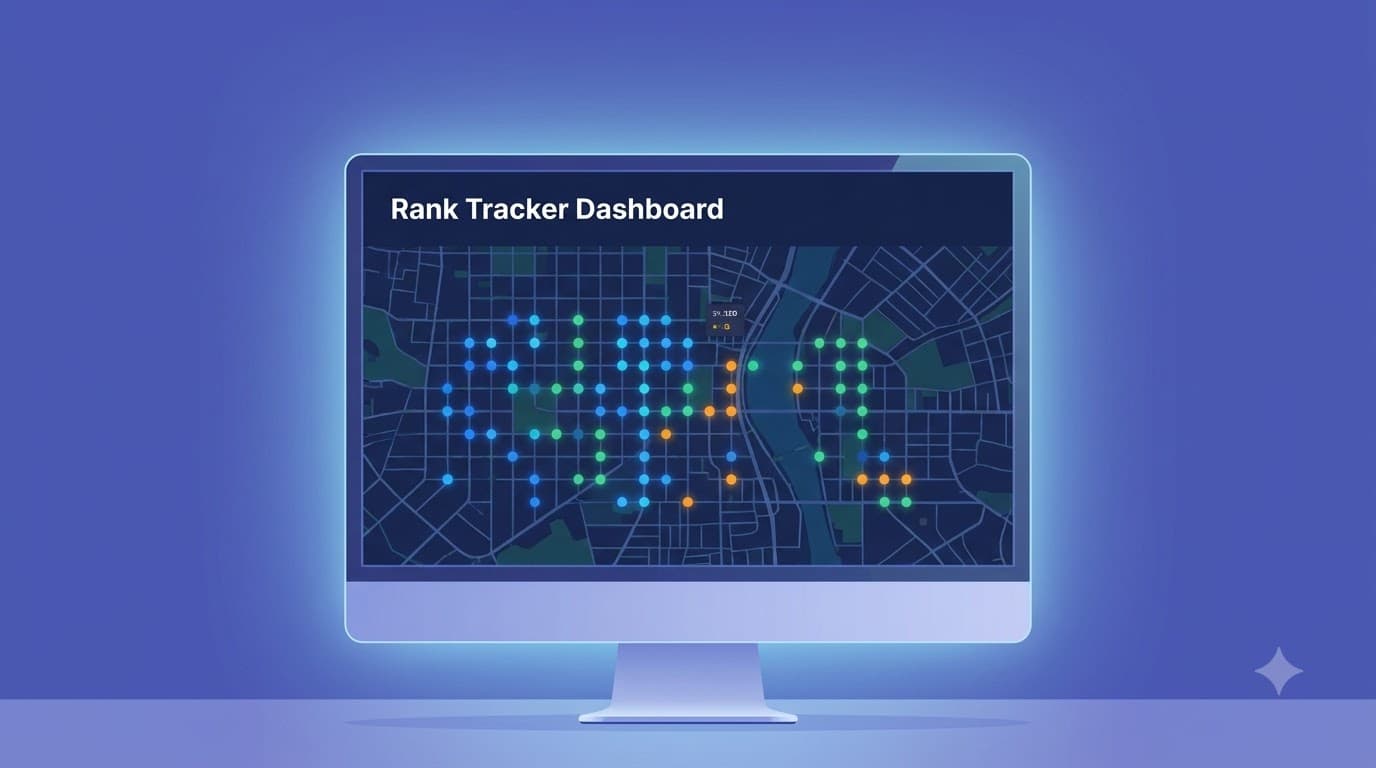
- 3. Optimize and monitor — work through the 12-point checklist: categories, services, description, photos, hours, Q&A, reviews. Then run a geo-grid heatmap to see where you actually rank block by block — your GBP position shifts every few hundred meters.
Frequently asked questions
- Is Google Business Profile the same as being on Google Maps? Your GBP powers your appearance on Maps. Claim GBP and you automatically become eligible to appear on Maps without a separate submission.
- How long does verification take? Video is often approved within hours to 3 days; postcard takes 5-14 days. Request access to an existing listing gives the current owner 3 days to respond.
- Can I hide my address? Yes if you are a service-area business — you must hide it. Misconfigured address visibility suppresses rankings.
- Do I need to post regularly? You don't have to, but profiles with weekly Posts signal active management and keep knowledge panels fresh.
“Your Business Profile is not a directory listing. It is the interface between your business and every local search that could become a customer.”
Next: read why your business needs a GBP: 7 benefits that drive customers or run a free geo-grid scan to see your real Maps visibility today. Scanning is read-only and does not change your live profile.